
Solutions to the main email display problems
As we have said before, there are many headaches that arise when it comes to to layout an email so that it displays correctly in all email clients. Despite what many people think, it has little to do with web layout, as support for many properties is uneven and deficient in many of the programmes used for receiving emails.
Here are some of the most recurrent obstacles and their solutions:
Blue boxes around linked images
Underlined blue links
Blocked images.
Recommendations for viewing without imagesHorizontal image spacing in Gmail
<img style="”display:block”" src="”ejemplo.jpg”" alt="””/">ó
<td style="»margin:0;" padding:0; letter-spacing:0; font-size:0; line-height:0;»><img src="”ejemplo.jpg”" alt="””/"></td>Email client ignores head CSS
Bearing in mind that some email clients, such as Gmail, completely ignore the styles we include in the head, we must lay out a base that is readable and usable without the need for these styles, despite sacrificing some design details.Poorly closed labels
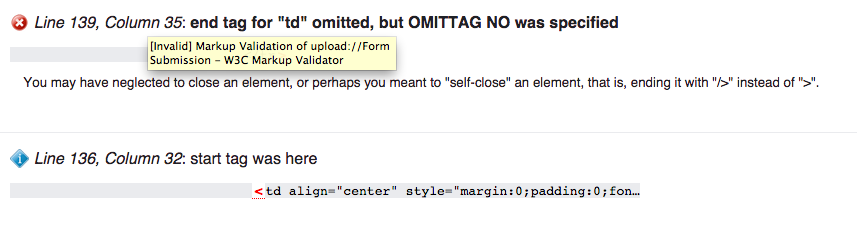
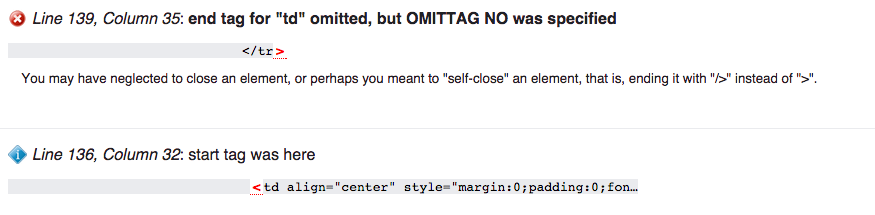
And if something is still going wrong... Try running your HTML through a validator such as W3C's. Sometimes it is as simple and difficult to locate as a poorly closed cell.
As a bonus track, here is a compilation of very useful hacks with simple solutions to common problems:
HTML Email Hacks
