
How Gmail filters Spam messages
Gmail is one of the most popular email service providers, with 425 million active users worldwide (in 2012). In the Spanish market, between 10% and 20% of the email accounts in B2C databases are Gmail*
If you are interested in learning how to send an email from Gmail, this animation provides a very clear explanation.
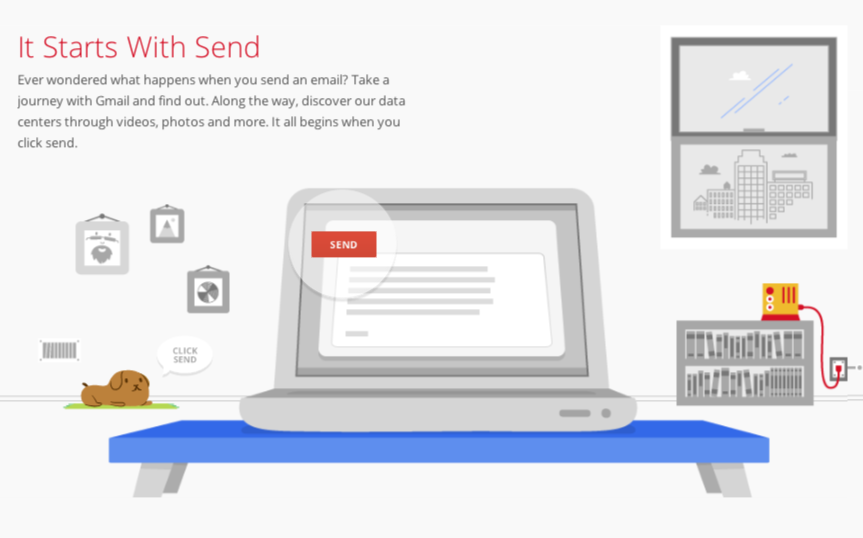
Source: Google
One of the main aspects (if not the most relevant) that you need to know when doing email marketing is how Gmail filters spam messages. Gmail, like many other email service providers, It mainly relies on its user community to determine whether the email a specific user will receive is spam or not. Thus, it will be the behavior of registered users in a database when they receive an email from a specific sender; this will affect how subsequent messages are delivered. The responses/reactions that Gmail takes into account are:
– The complaints of «this is spam»
– The proportion of messages read (opened)
– The proportion of open and deleted messages
– The proportion of messages marked as highlighted
– The answers
– The activity once the email is opened
A second element that intervenes in the deliverability of emails is the so-called «delivery history». Gmail temporarily blocks new IP addresses that do not yet have an assigned sender reputation. After 24-48 hours, it passes small amounts of mail both to the inbox and to the spam folder, and measures user interactions. If the spam complaints are too high, subsequent emails will, in most cases, be delivered to the spam folder. If at this point, a majority of users click «not spam», the delivery of emails to the inbox will be compensated.
Another element that intervenes in the deliverability is the activity vs inactivity of the users. In other words, if Gmail detects that a substantial portion of the messages delivered by a sender do not generate any type of activity (either good – opens, clicks – or bad – complaints, bounces –), it will penalize that sender’s reputation.
Another factor to consider is the adequacy of the technological infrastructure to the Gmail spam management rules. The most relevant aspect in this area is:
– Maintain the same shipping IPs over time.
– Authenticating the delivery of domains with DKIM y SPF
– Send from IP addresses that have delegates for the domain names from which the sending will be done.
There is a mechanism called Feedback Loop This is used by some email providers (for example Hotmail and Yahoo), whereby when a user clicks on «this is spam», the sender receives information about this fact, and can remove this user from their list of recipients. Gmail does not offer this option; however, it has chosen to introduce an intermediate step in the «complaint» process. When a user clicks on «this is spam», they are asked whether they really want to mark the message as spam, and also to cancel their subscription. If they indicate that they also want to cancel their subscription, the sender will receive that information. This functionality is only available for those senders whom Gmail has rated with a good reputation.
The Google guide that lists the guidelines that mass email senders must follow can be found at the following link: https://support.google.com/mail/answer/81126?hl=es
* Source: Digital Response (internal analysis of the B2C databases of retail, e-commerce, leisure and travel agency clients).
